
How to Access Nexus Market
First visit, no account yet, one goal: get from the open web to the market's loader without landing on a fake along the way. The steps below are in the order they happen. Each one takes a minute or less.
Tor Browser first, Google second
Install Tor Browser from torproject.org before you open anything else. That is the only source that matters. Do not search for nexus market inside Tor and click the first result. The search results inside Tor are the same open web, and the fake nexus market login pages rank well. A link found by searching for the nexus market tor address inside the browser is exactly the kind of link a copycat wants you to follow. You already have the address from the list above, so the search step is optional and the search results are a trap.
If you are new to how Tor routes traffic, the basics page covers it in a few paragraphs.
Paste, do not type
Copy one of the three addresses from the top of the page as a whole string and paste it into the Tor Browser address bar. Do not retype it from memory and do not retype it from the screen while watching. A single wrong character does not break the load, it changes the destination. The address is 56 characters long before the .onion, and typing 56 characters by hand is where typos are born. Paste it once, check it once, press enter.
The 30-second loader
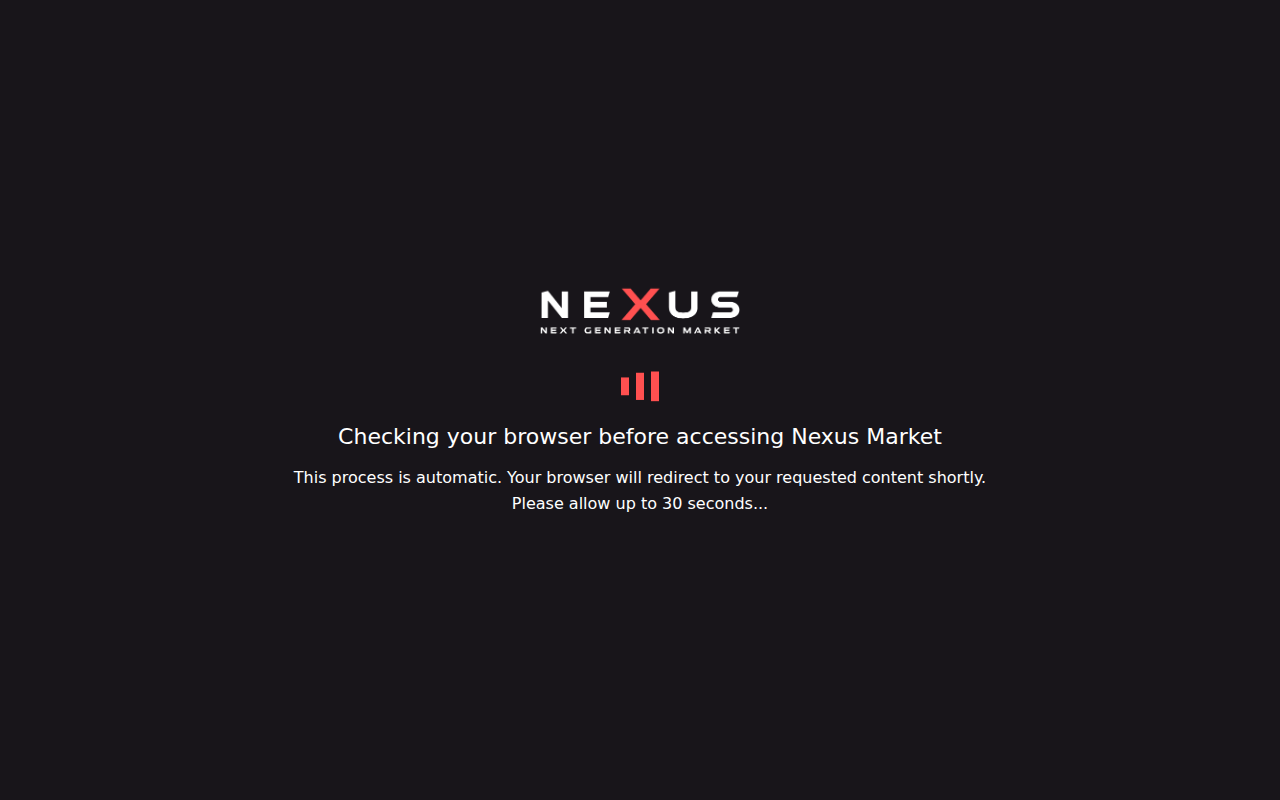
The tab goes dark. The NEXUS logo appears in the center, red bars move across the screen, and the text reads "Checking your browser before accessing Nexus Market" with a line saying to allow up to 30 seconds. This is the market confirming the browser before it shows the interface. It is not an error. It is not stuck. Do not refresh, do not close the tab, do not open a second one. Wait it out. The interface appears on its own when the check passes.
How you know it is the right one
After the loader finishes, two things should be true at the same time. The interface that loads is the market's own, with its own layout and its own logo, not a generic landing page. And the address bar still shows the .onion string you pasted: it starts with nexus and runs 56 characters before the dot. If either of those is missing, you are not on the market, and you should not enter a password yet. The address you pasted, for reference, is nexusb2l7njnf2i5dm3ushgrwayuicpofzcs4bkknpzfdwwbwbgqwtyd.onion, and the other two from the directory work the same way.
After the loader: the market itself
You can browse the market without an account. Categories, listings, prices, all of it is visible to a logged out visitor. The account is created inside the market, not on an external site. You pick the username, you pick the password, and the password stays between you and the market. No one at Nexus Market sets it for you, no email confirms it, no support ticket can reset it. If you forget it, the recovery path is whatever the market's own help page says, and that page is reachable only from inside the market after you are in.
If the loader does not finish within a minute, close the tab and try the next one of the three at the top of the page. One of them will come up. The market is the same behind all three, and the one that loads is the right one.